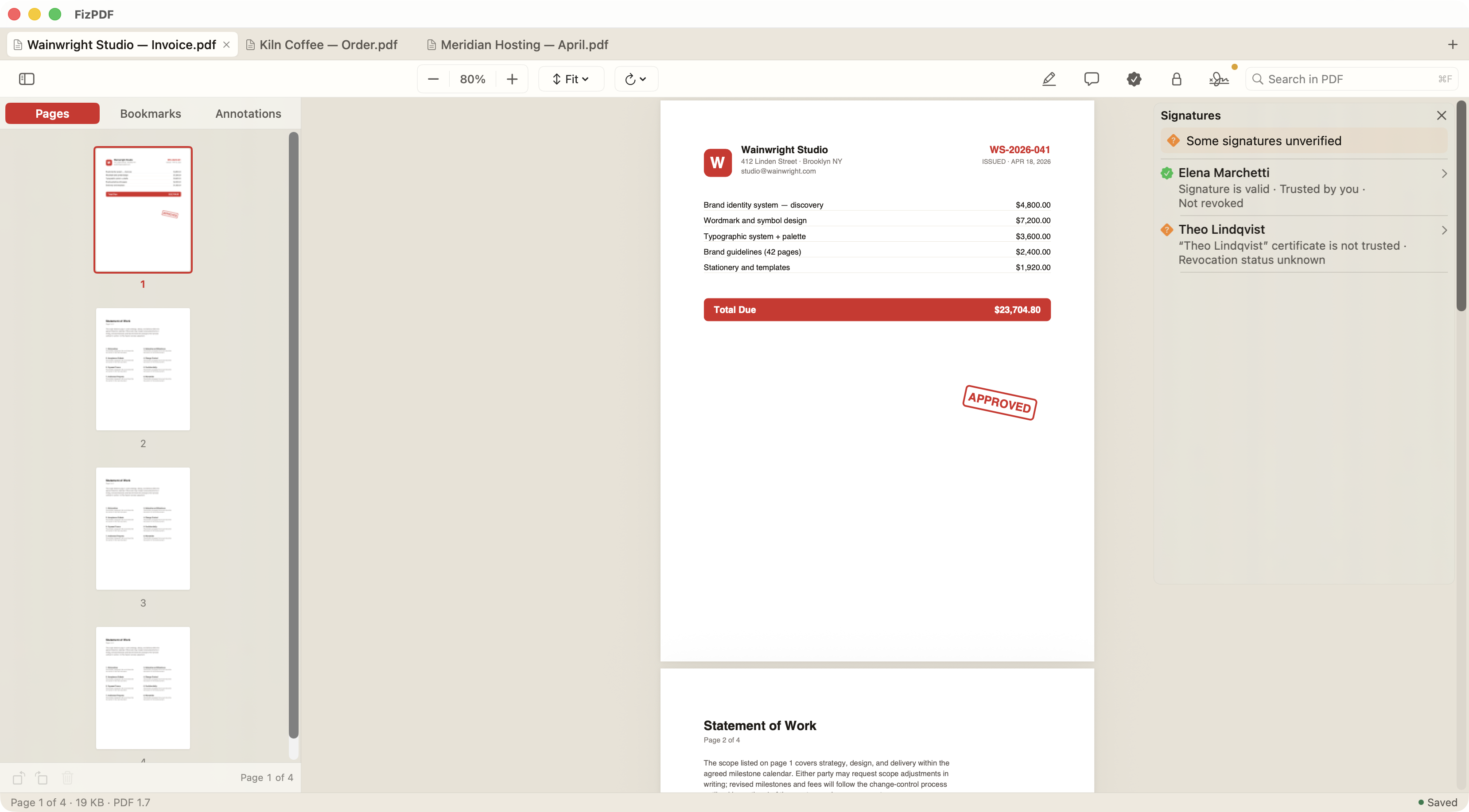
All the essentials in one tidy window: tabs, page thumbnails, drag-to-merge, stamps, signatures, and comments. Native to macOS — light on your machine, quiet in your day.
A handful of tools, thoughtfully built. Everything you need to read, mark up, and share — nothing you don't.
Open as many PDFs as you like in a single tabbed window. Reorder tabs by dragging, switch with a click, and close with ⌘W — just like your browser.

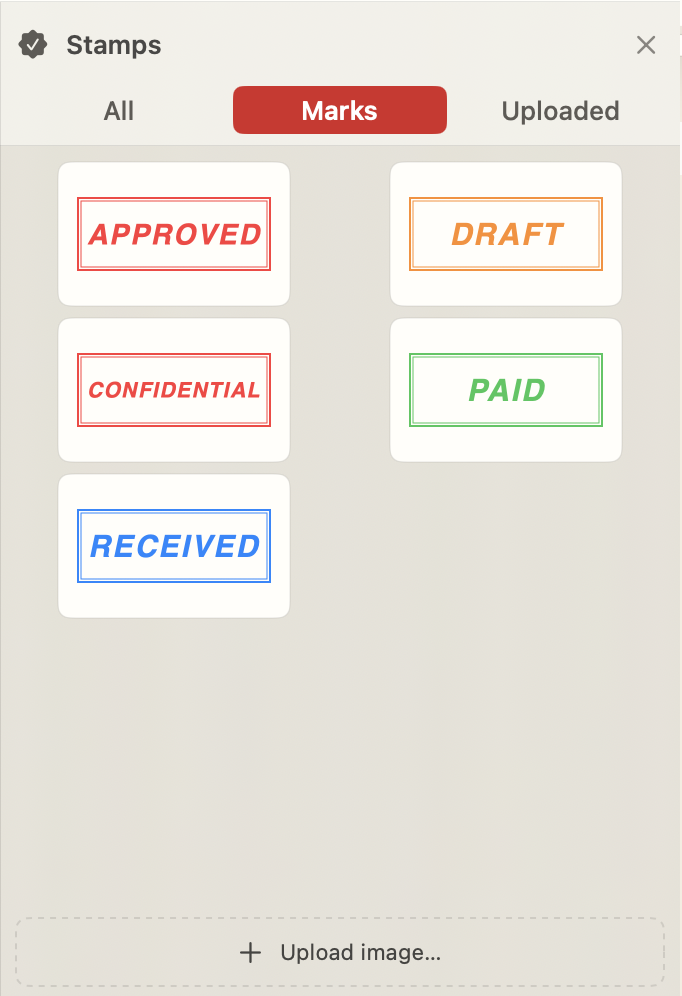
A growing library of approval marks, signatures, and logo stamps. Upload your own images or signatures to use as stamps, then drag any onto any page, anywhere.
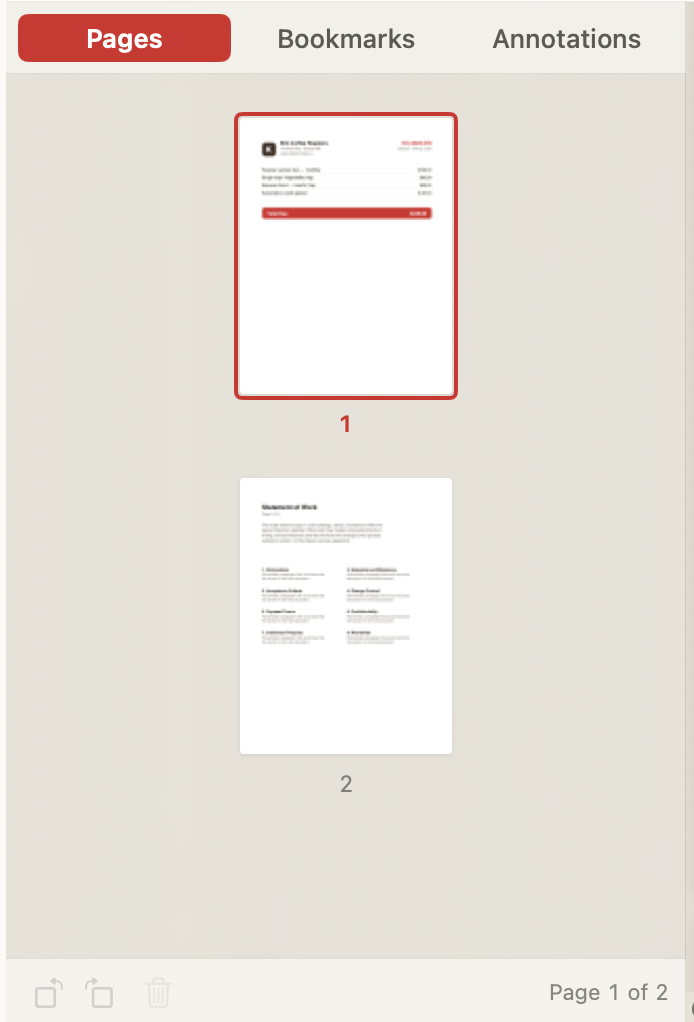
Pull a page from one document into another. Reorder, delete, or merge entire PDFs by dragging from Finder.
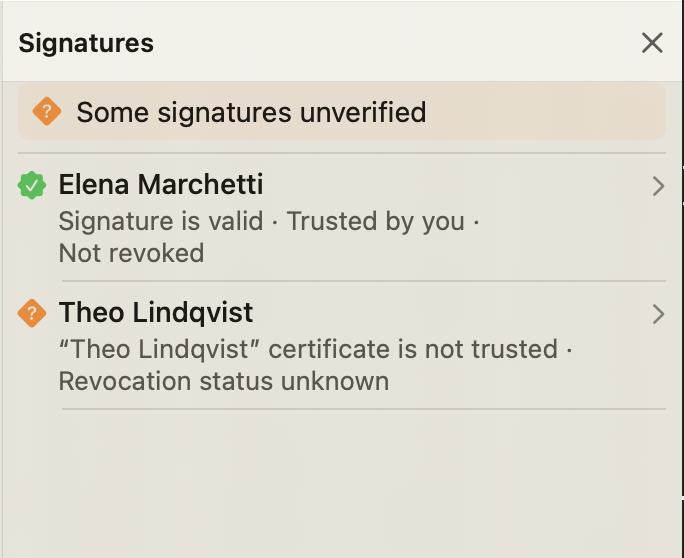
Sign PDFs with your hardware or virtual token — qualified, eIDAS-compliant signatures (PAdES B-LT) that Adobe Acrobat accepts as legally binding, with a trusted timestamp and long-term validation built in. Then inspect any signature: signer identity, certificate details, and whether the file has changed since it was signed.
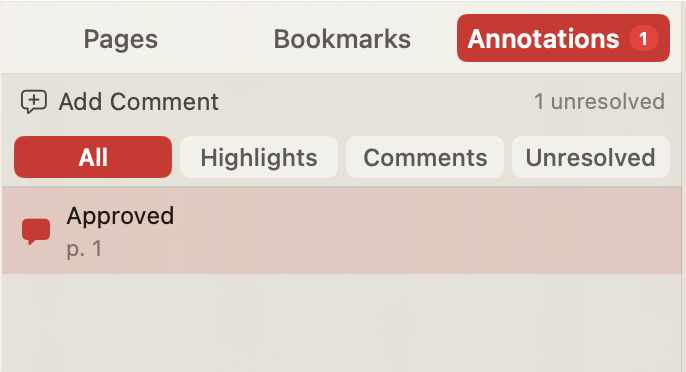
Pin a comment anywhere on a page, see them all listed in the sidebar, and mark each one resolved when it's handled.
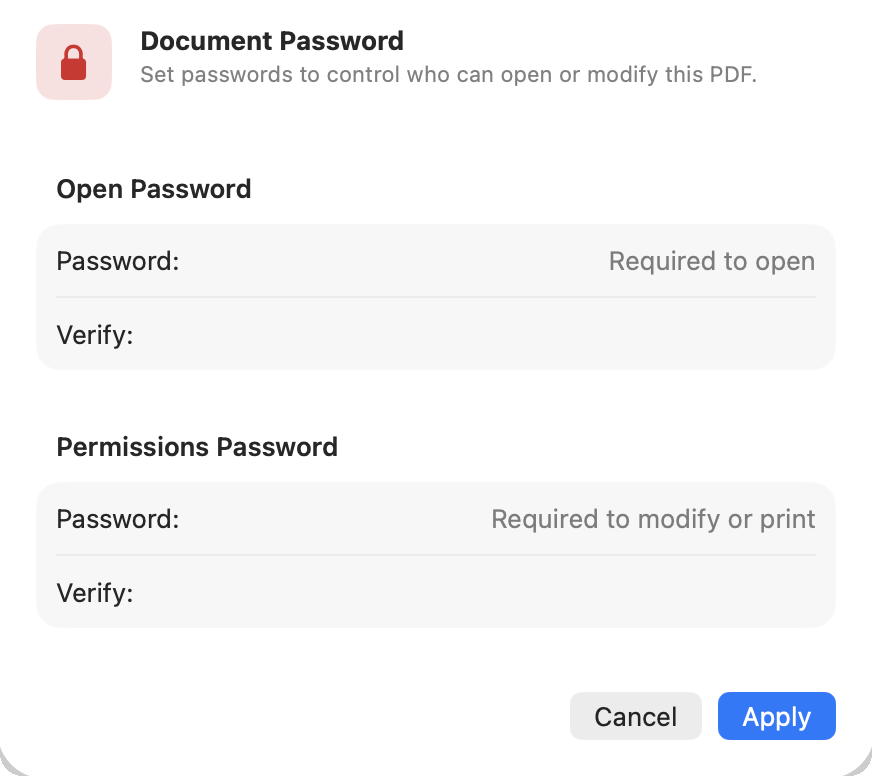
Add or remove passwords in one click. AES-256 by default, no extra software needed.
No subscription. No telemetry. No upgrade nags. Just a fast, native Mac app that reads your PDFs the way you do.